Markdown prompts
Markdown prompt editor with live preview
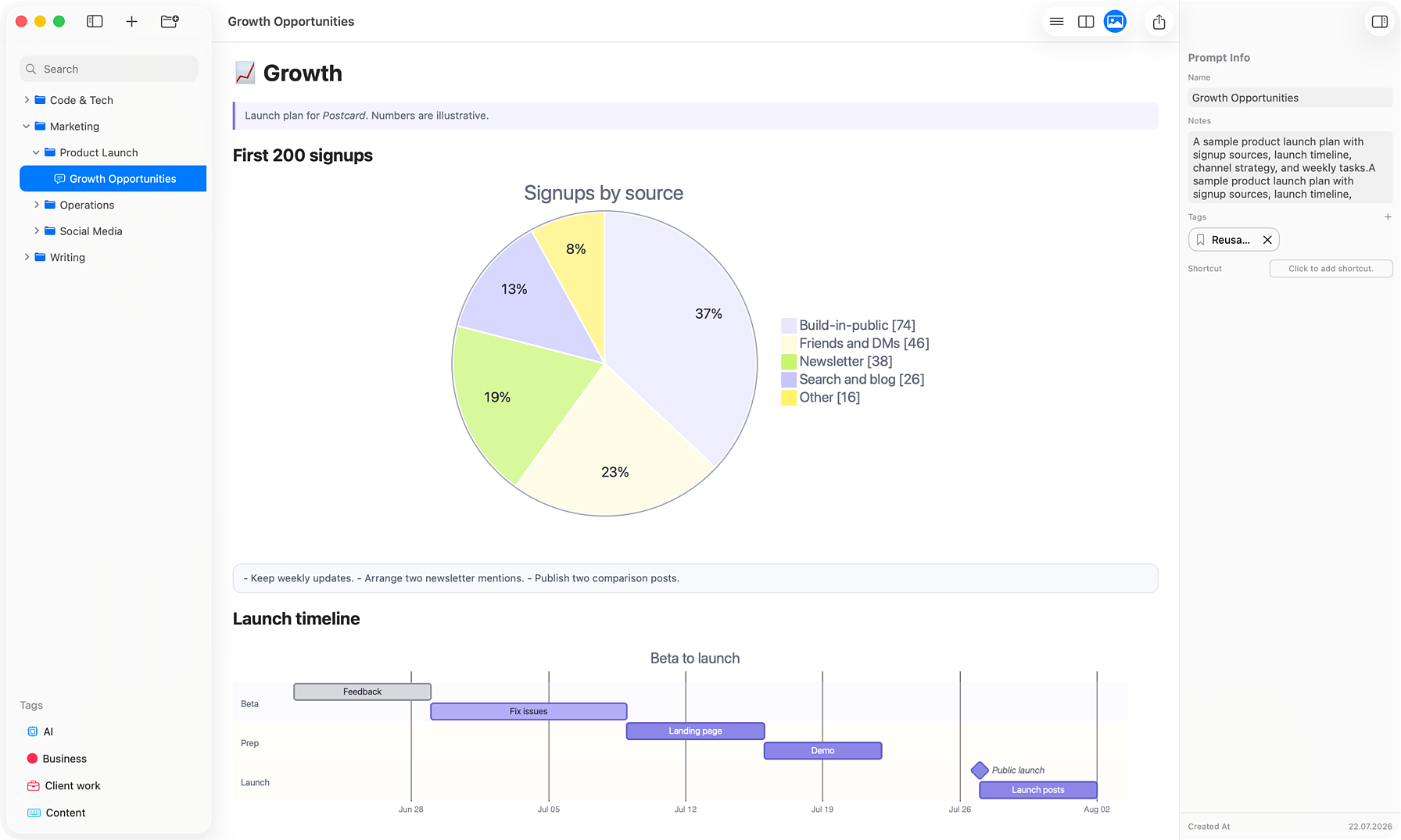
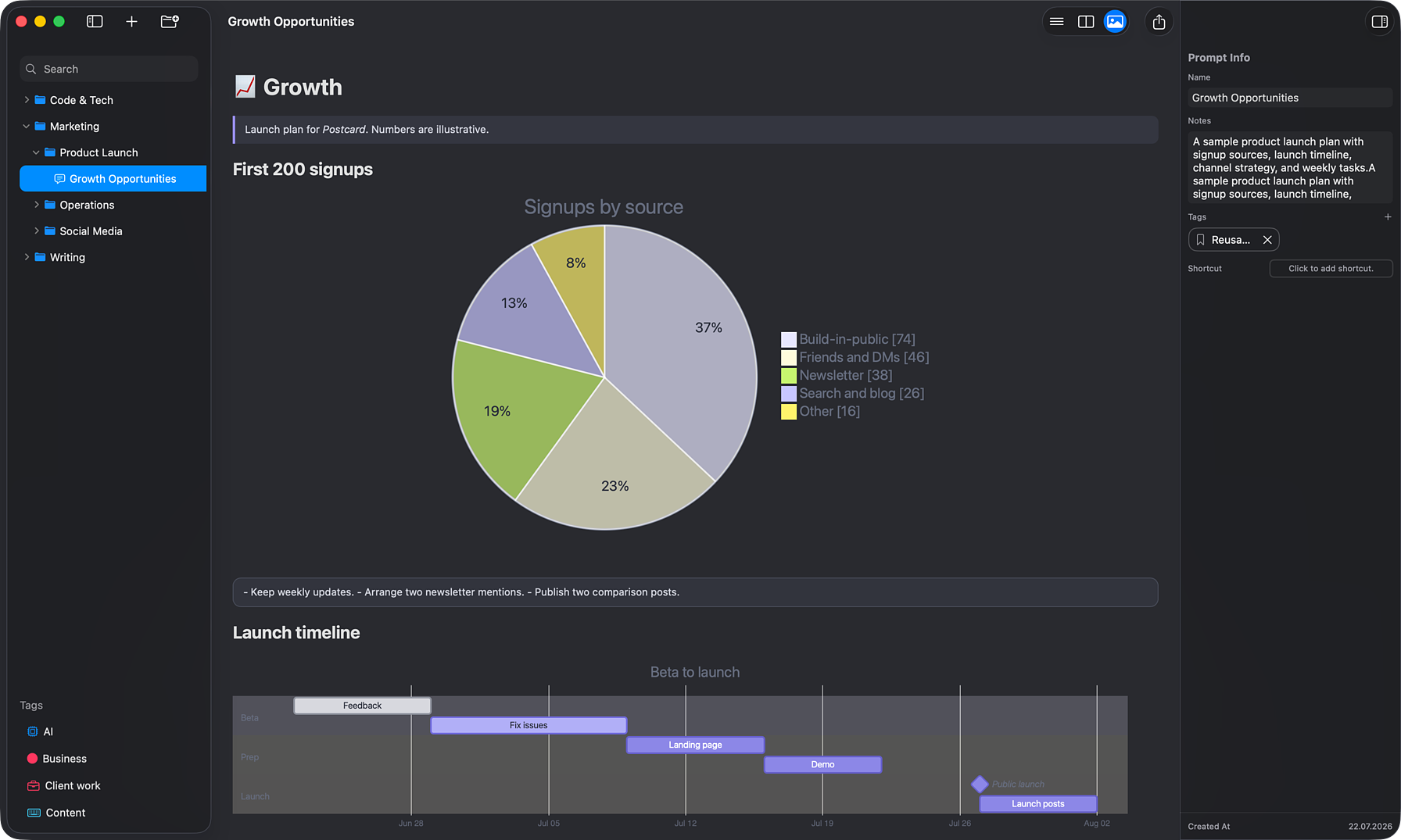
Most prompt managers just store and paste text. AINoter keeps long, structured prompts readable and maintainable: a real Markdown editor with a live rendered preview — code, math, and diagrams — and PDF export when you need to share or archive.
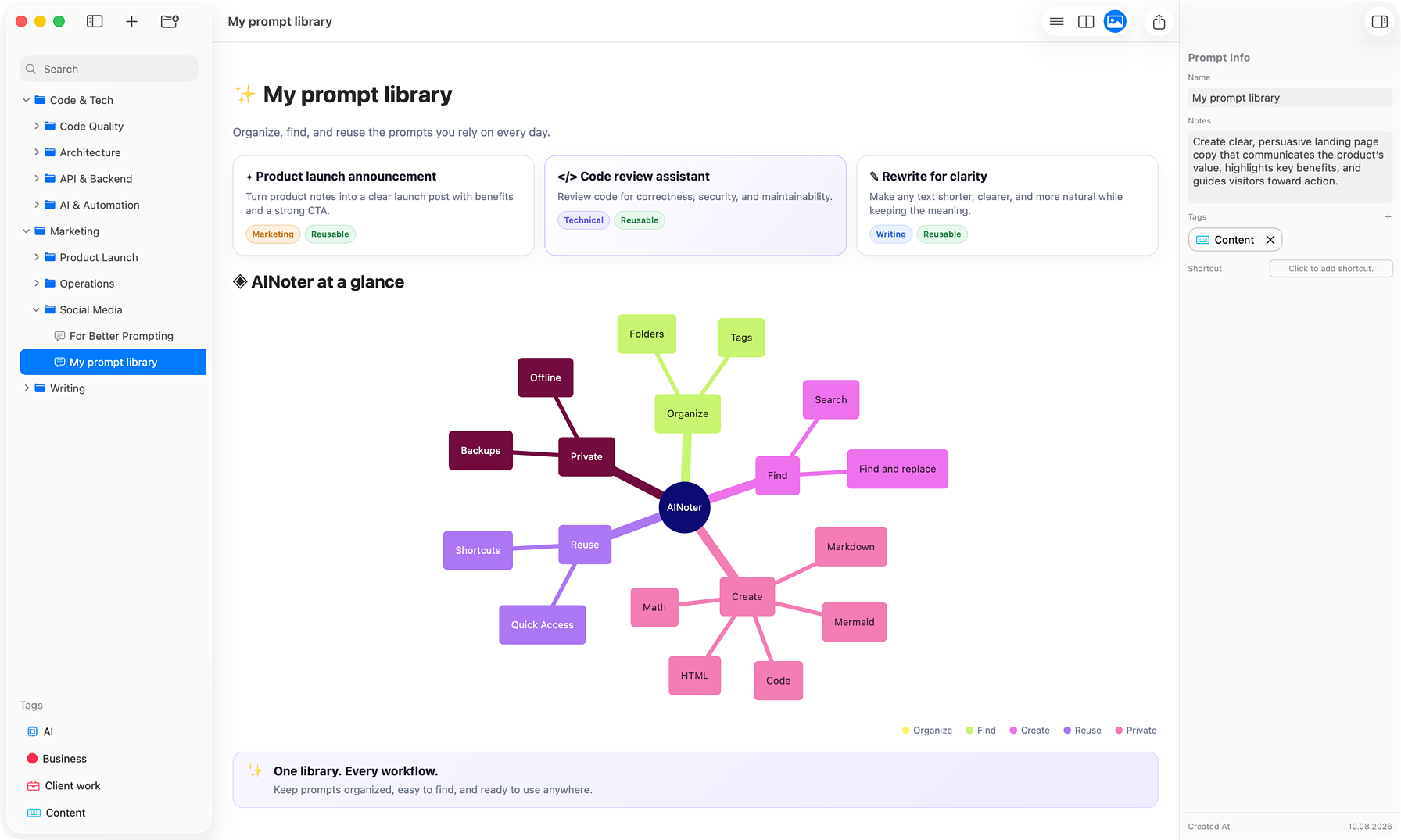
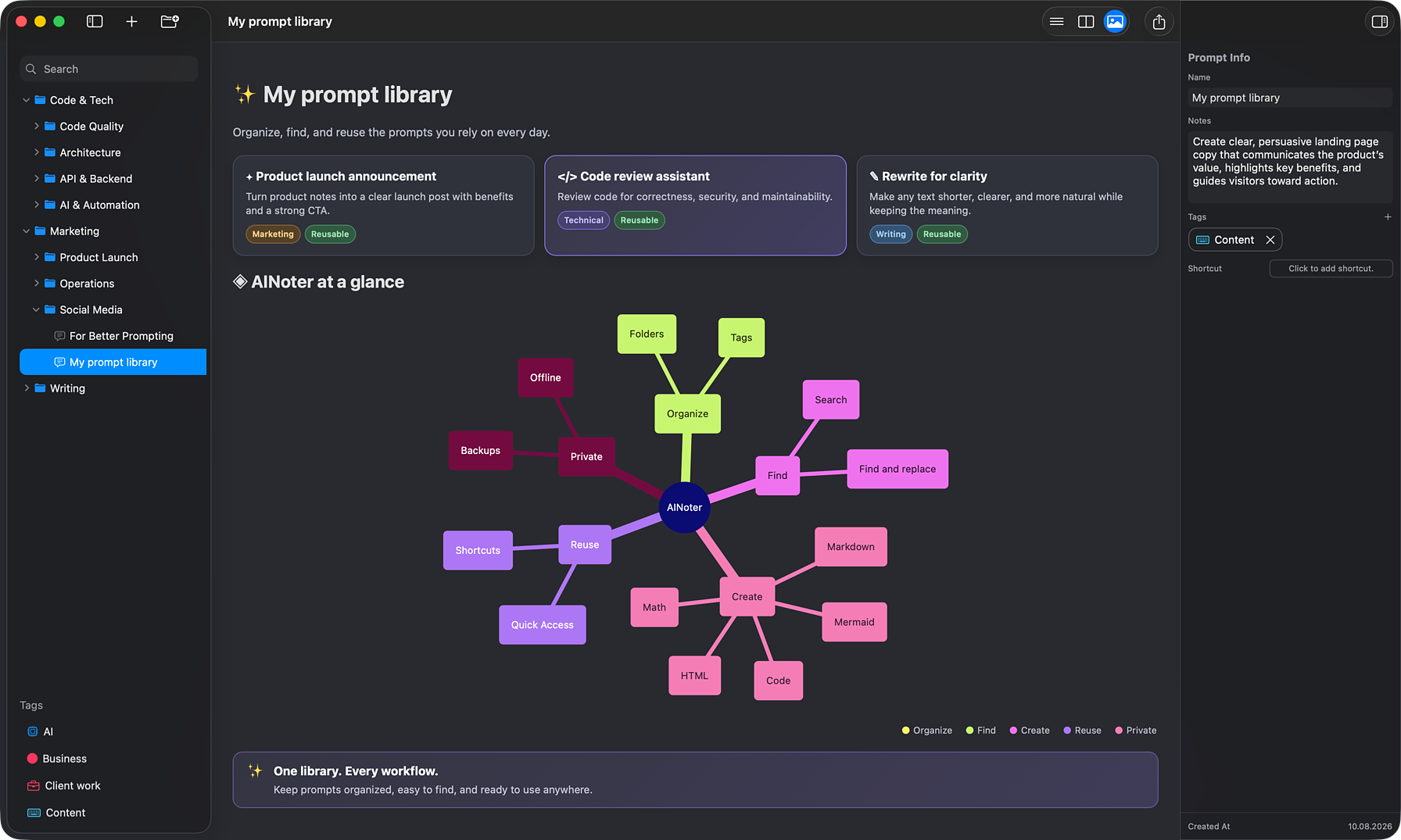
A live preview as you write
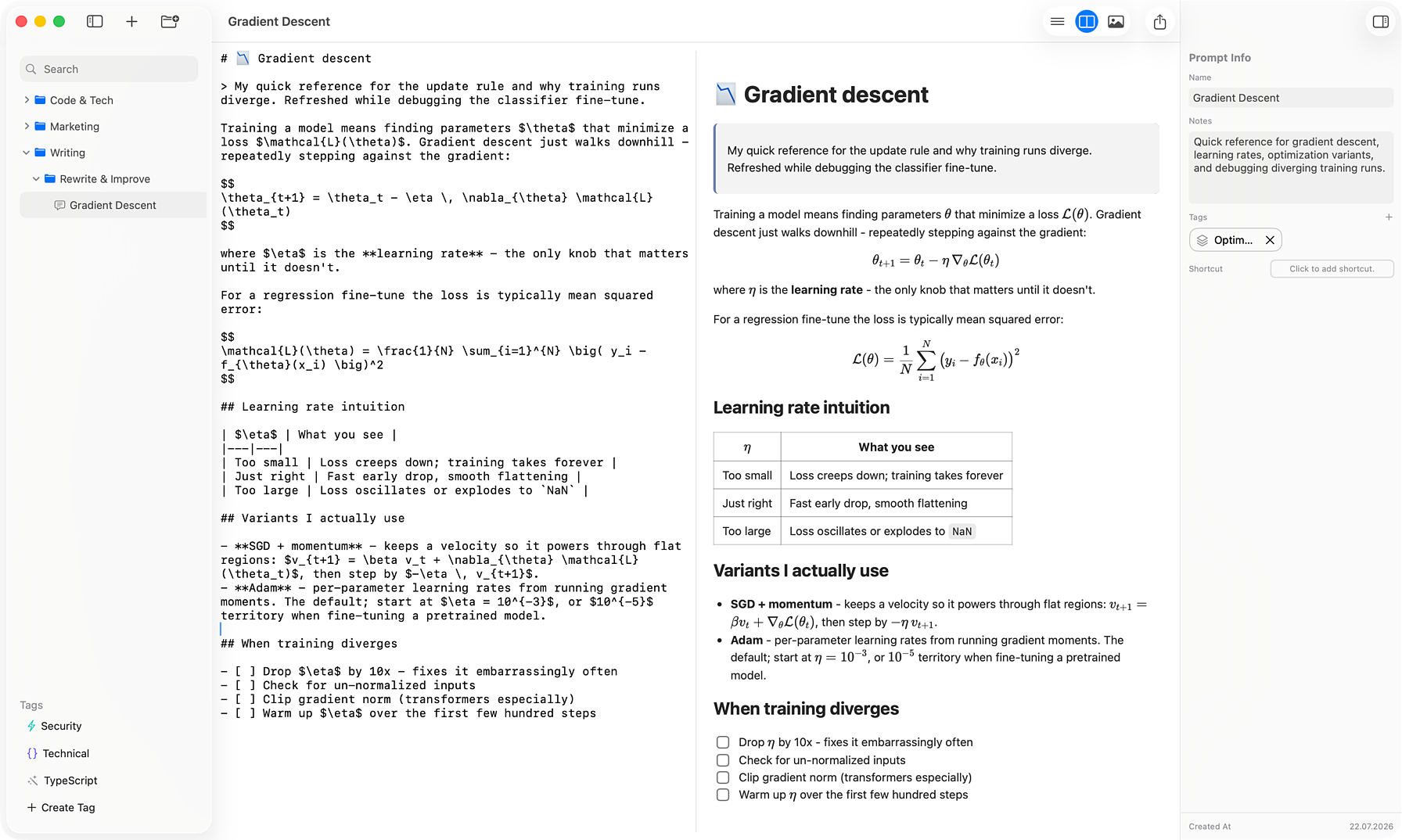
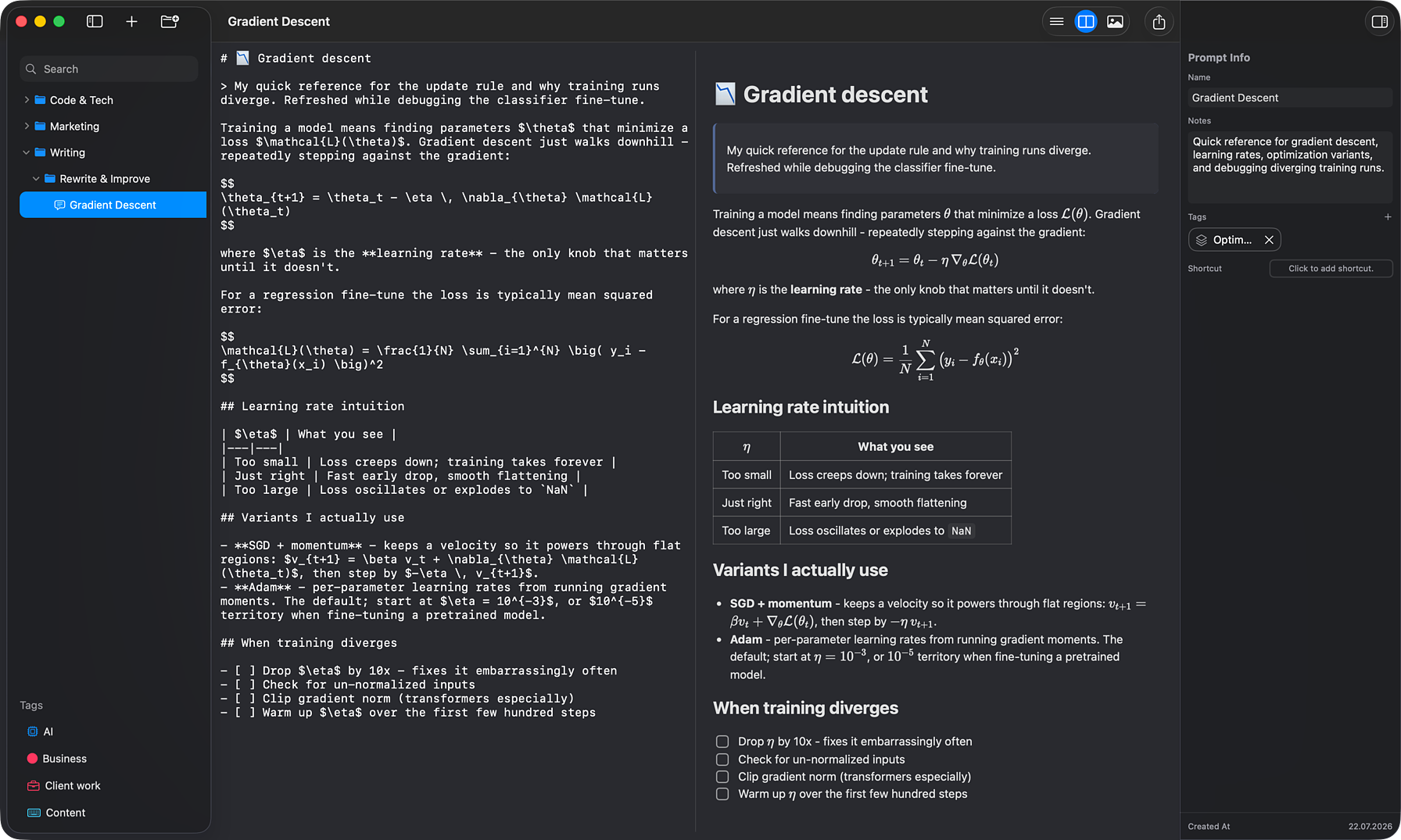
Edit raw Markdown, see the rendered result, or work side by side in split view — the preview follows the editor as you scroll. Headings, lists, tables, task lists, footnotes, and links all render the way they will read.
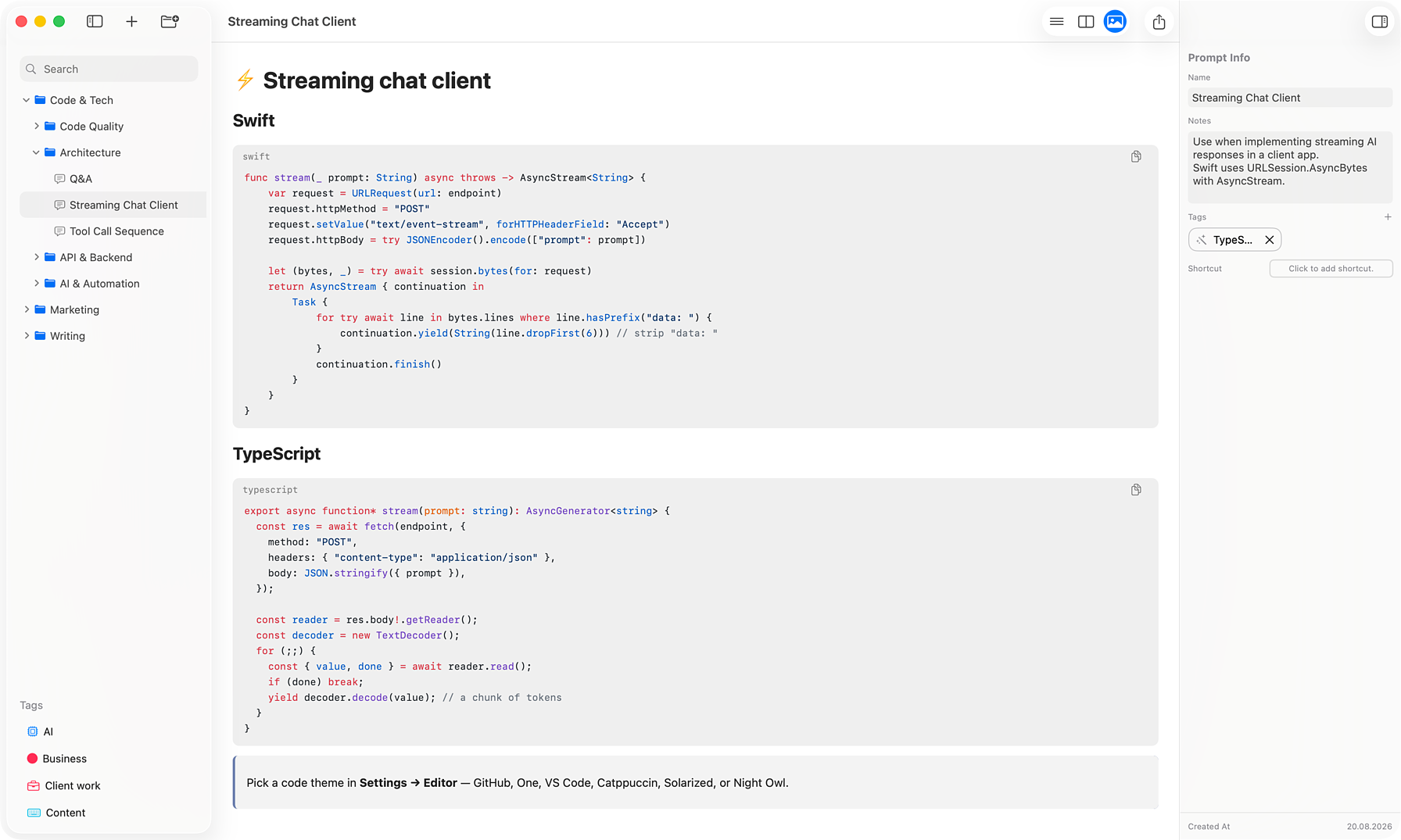
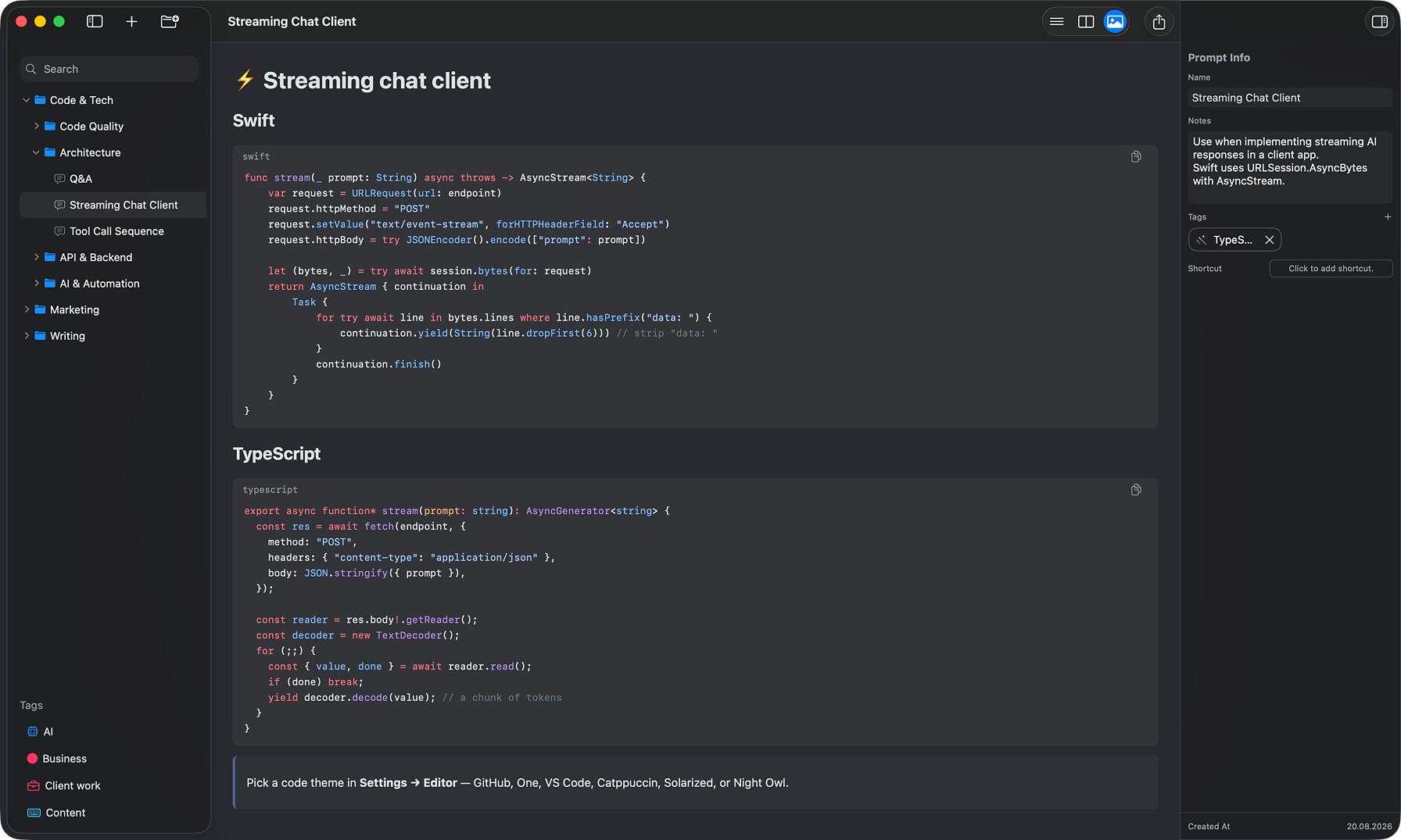
Syntax-highlighted code, your theme
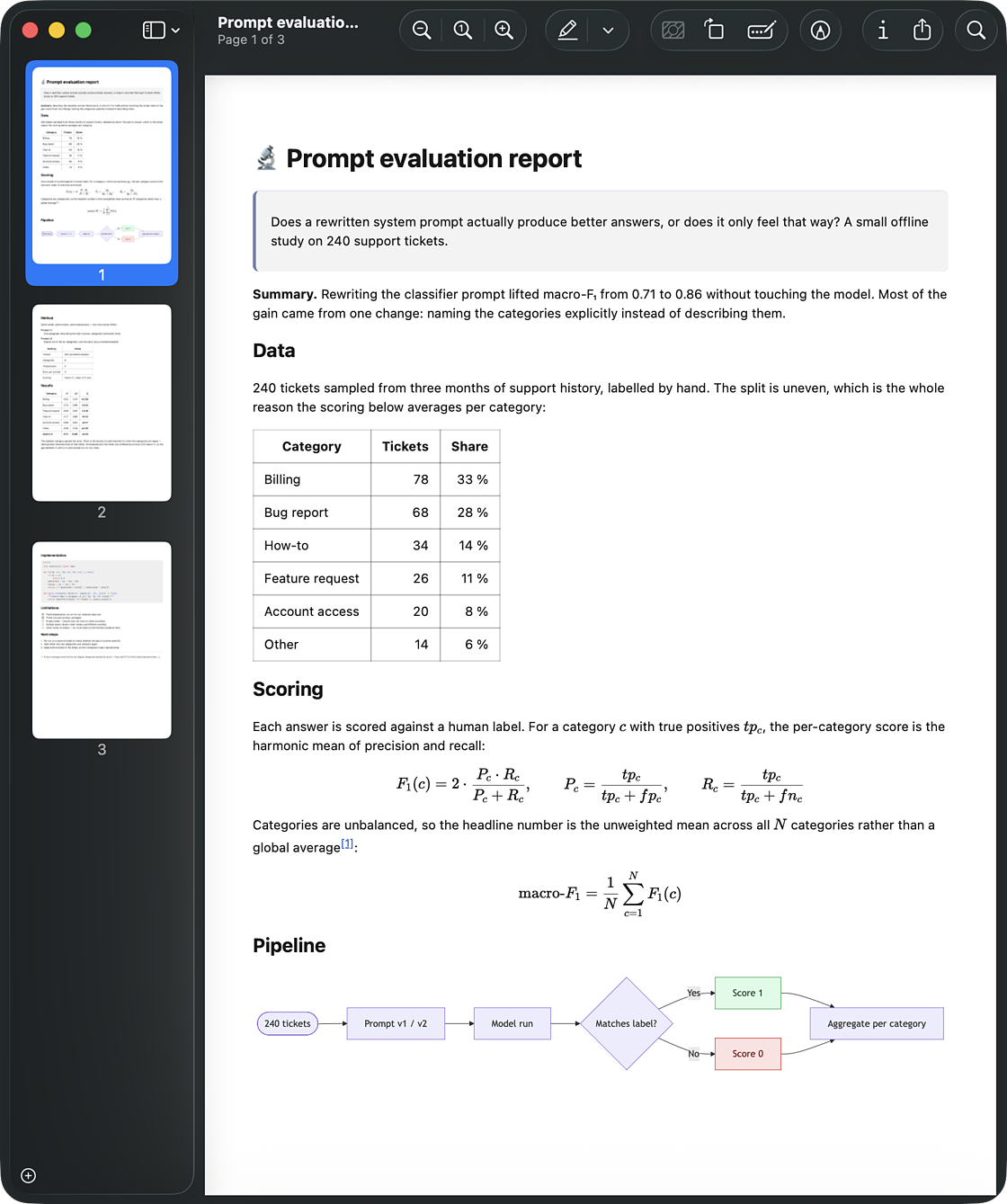
Fenced code blocks are highlighted by language, each with a one-click copy button. Pick a color theme — GitHub, One, VS Code, Catppuccin, Solarized, or Night Owl — with light and dark variants that follow the system appearance.
LaTeX math with KaTeX
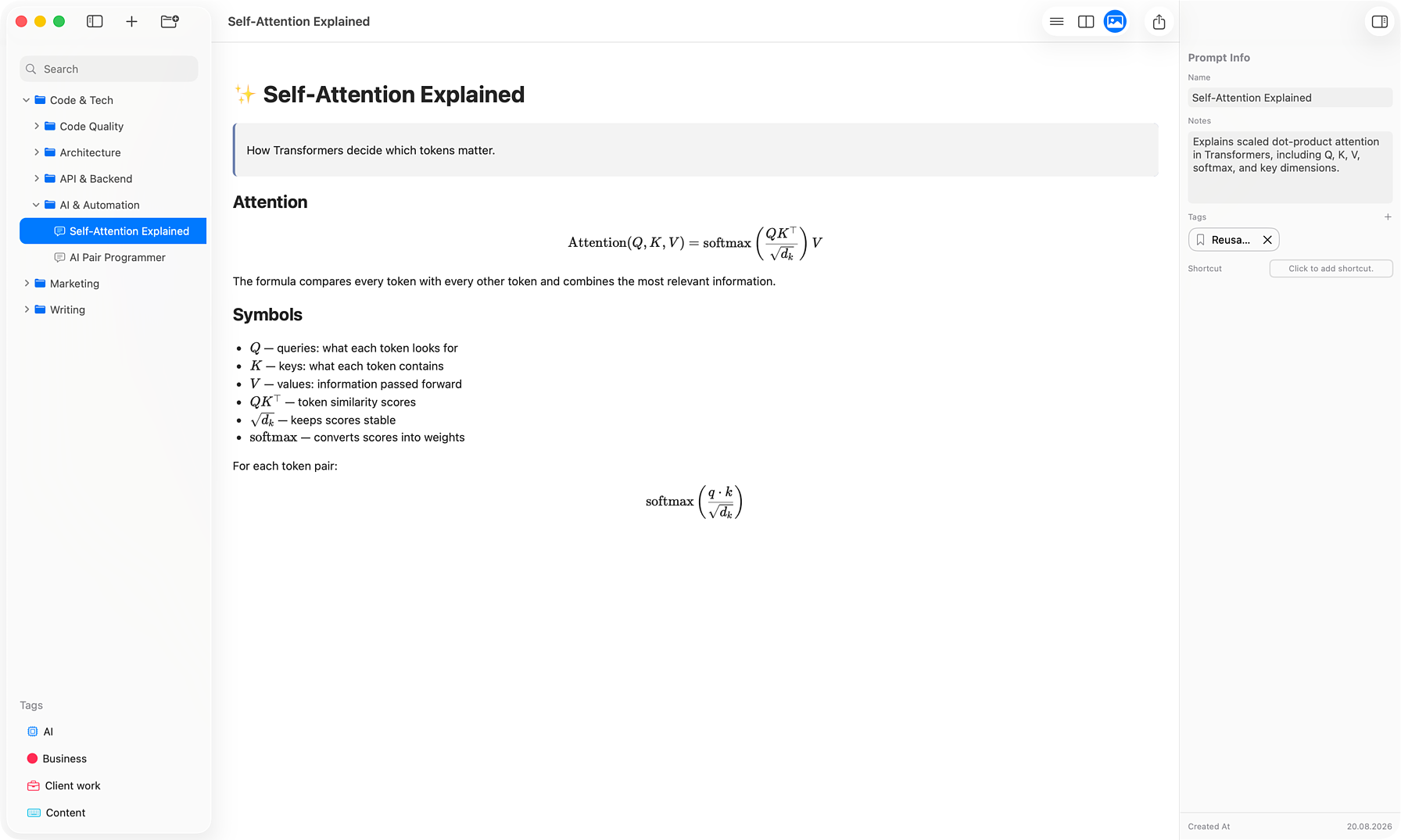
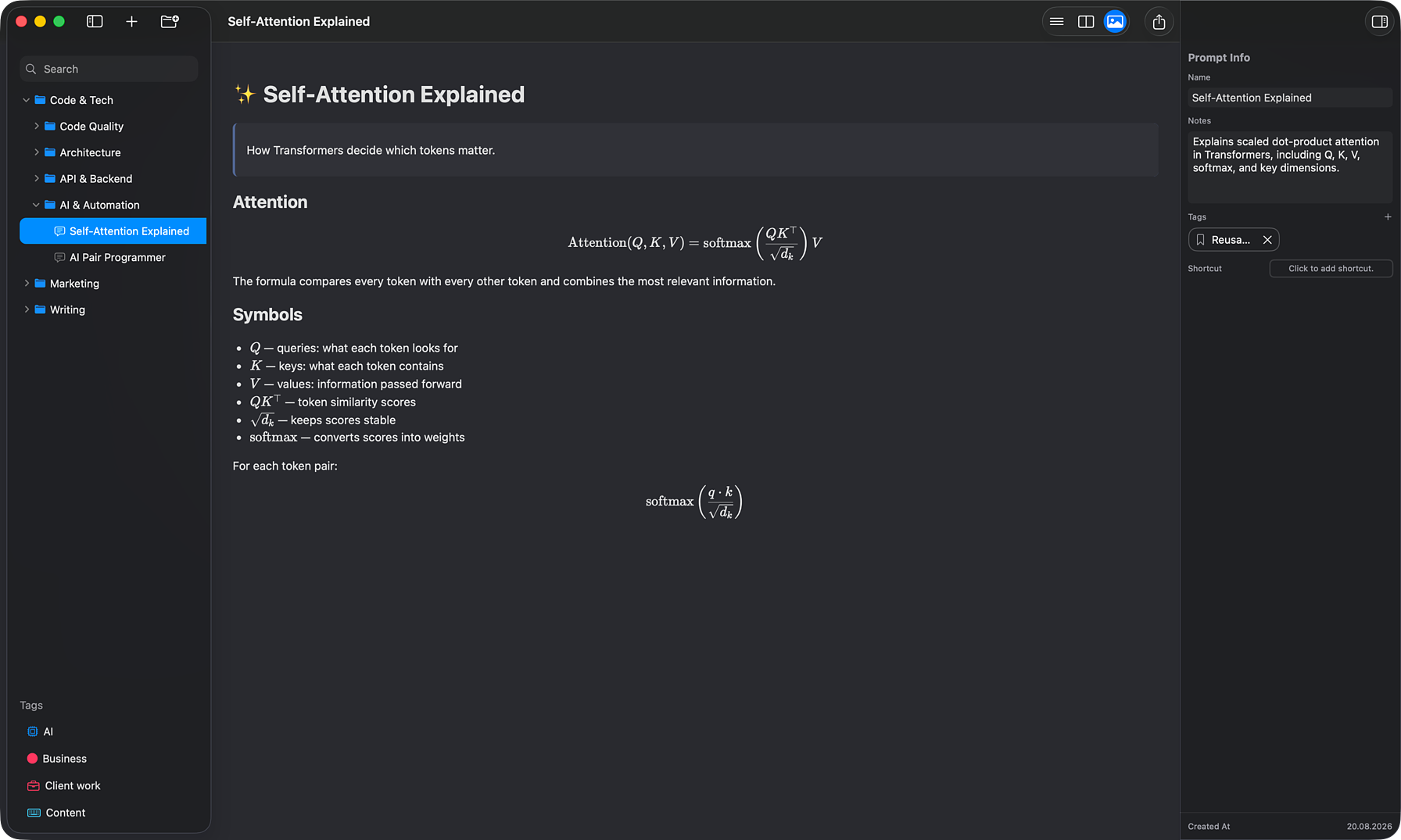
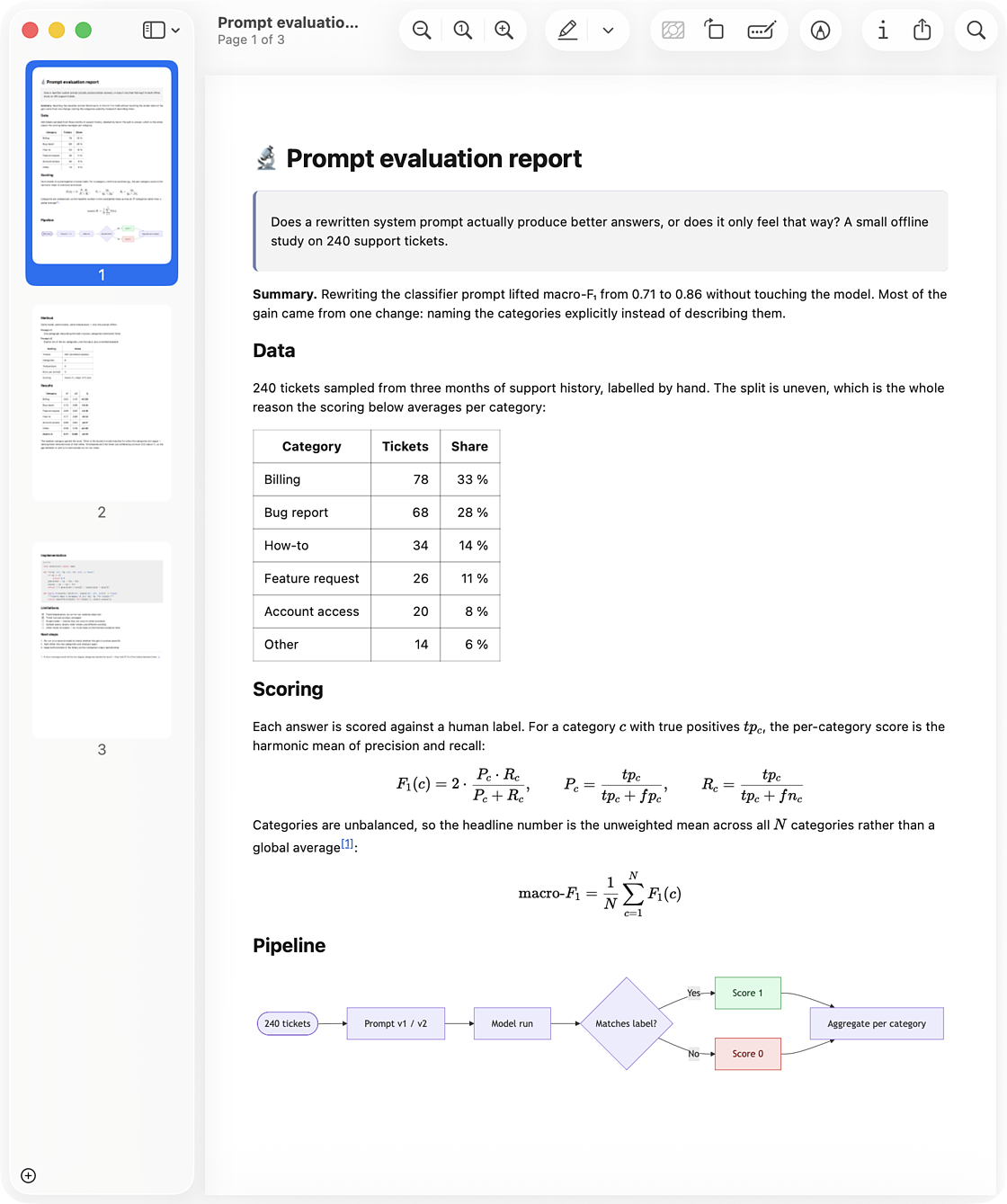
Write inline math with $…$ or \(…\) and display math with $$…$$ or \[…\]. Formulas render cleanly in the preview and in exported PDFs.
Diagrams with Mermaid
Add a fenced mermaid code block to render flowcharts, sequence diagrams, and more — right inside the prompt preview, no external tools.
Export to PDF, with page breaks
A prompt can leave AINoter as a finished document: code highlighting, math, diagrams, and tables export exactly as they render on screen. Drop \newpage (or \pagebreak) on its own line to decide where each page starts.
Build a readable prompt library
Free on the Mac App Store. Offline-first, no account, no tracking.